FDM, SLA, SLS and Resin Printing: A Practical Comparison
If you are new to 3D printing, the technology names can get confusing quickly: FDM, SLA, SLS, resin, MSLA, DLP. They sound like a shelf full of technical abbreviations, but each process has a clear use case.
I am Edis, and I mostly work with FDM printing. As a blind maker, I judge prints by how they feel, how reliable they are, how safe the workflow is and whether the finished object works in real use. This comparison is written from that practical point of view.
How I compare printing technologies
I care about five things: cost, detail, strength, mess and accessibility. A technology can look impressive on paper and still be the wrong choice if the process is difficult, unsafe or too dependent on visual inspection.
One note before I start: SLA is also a resin process. When people say "resin printer" for home use, they often mean an LCD, MSLA or DLP-style desktop resin printer. I separate them here because people search for the terms separately, but the safety and handling points overlap.
FDM: the everyday workhorse
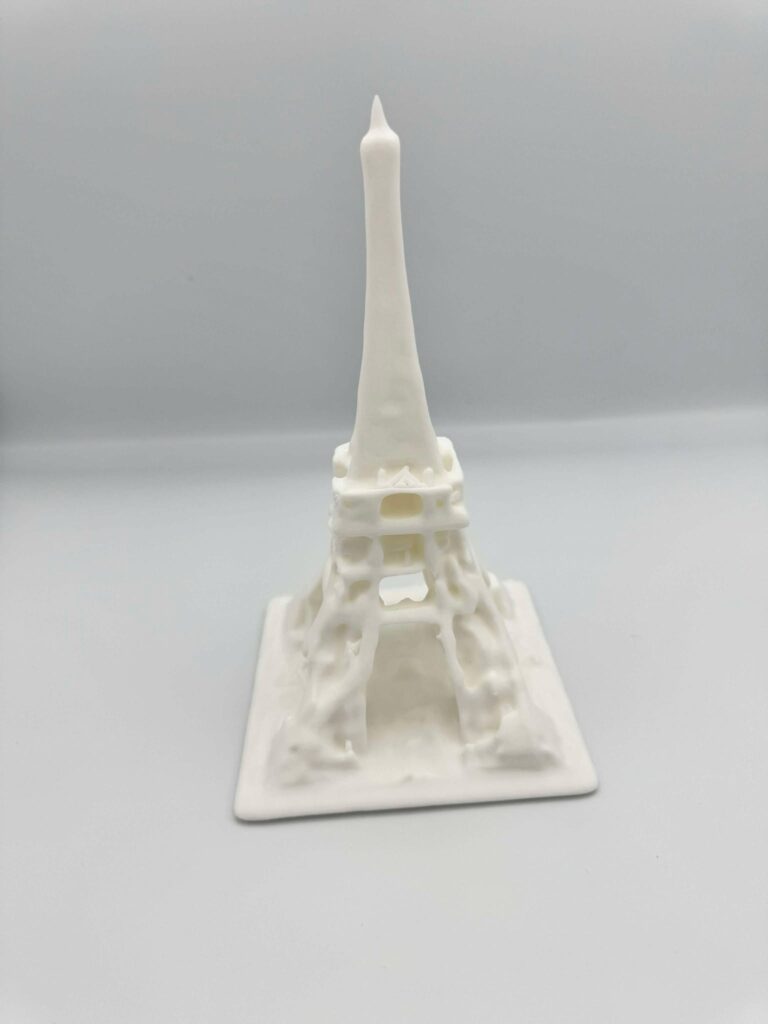
FDM stands for fused deposition modeling. The printer melts plastic filament and lays it down one layer at a time. If you have seen a common desktop 3D printer, it was probably an FDM machine.
This is the process I use most. It is practical, relatively affordable and good for functional parts, tactile objects, prototypes, signs, brackets, toys and many everyday models.
What FDM does well
- It is usually the most affordable way to start.
- Filament is easy to store and handle compared with liquid resin.
- Parts can be strong enough for real use when designed correctly.
- Large build volumes are available without industrial pricing.
- The printed layers can sometimes help tactile reading.
For accessible objects, FDM is often enough. I can print raised text, Braille tests, maps, game pieces, grips and practical tools without needing a complicated post-processing setup.
Where FDM struggles
- Layer lines are visible and tactile.
- Very small details can be harder to print cleanly.
- Overhangs may need supports.
- Support removal can leave rough areas.
- Settings matter more than beginners expect.
I do not see those limits as deal breakers. I just design with them in mind. If a tactile object needs to be read by hand, I care more about clarity than perfectly smooth surfaces.
SLA: high detail in liquid resin
SLA stands for stereolithography. It uses light to cure liquid resin into a solid object. SLA is known for smooth surfaces and fine detail, especially on smaller parts.
This can be excellent for jewellery, dental models, miniatures and highly detailed prototypes. The finished surface can be much smoother than FDM.
What SLA does well
- It can produce very fine detail.
- Surfaces are usually smoother than FDM prints.
- Small decorative or precise models can look very clean.
- It is useful when surface finish matters more than simple handling.
Where SLA struggles
- Liquid resin requires careful handling.
- Prints usually need washing and curing.
- The workflow can be messy.
- Resin materials can be more brittle than expected.
- Visual inspection is often important during cleanup and support removal.
For my own workflow, that last point matters. I can work around many visual tasks, but I prefer processes where touch, clear routines and predictable handling carry more of the work.
Desktop resin printing: detail with extra handling
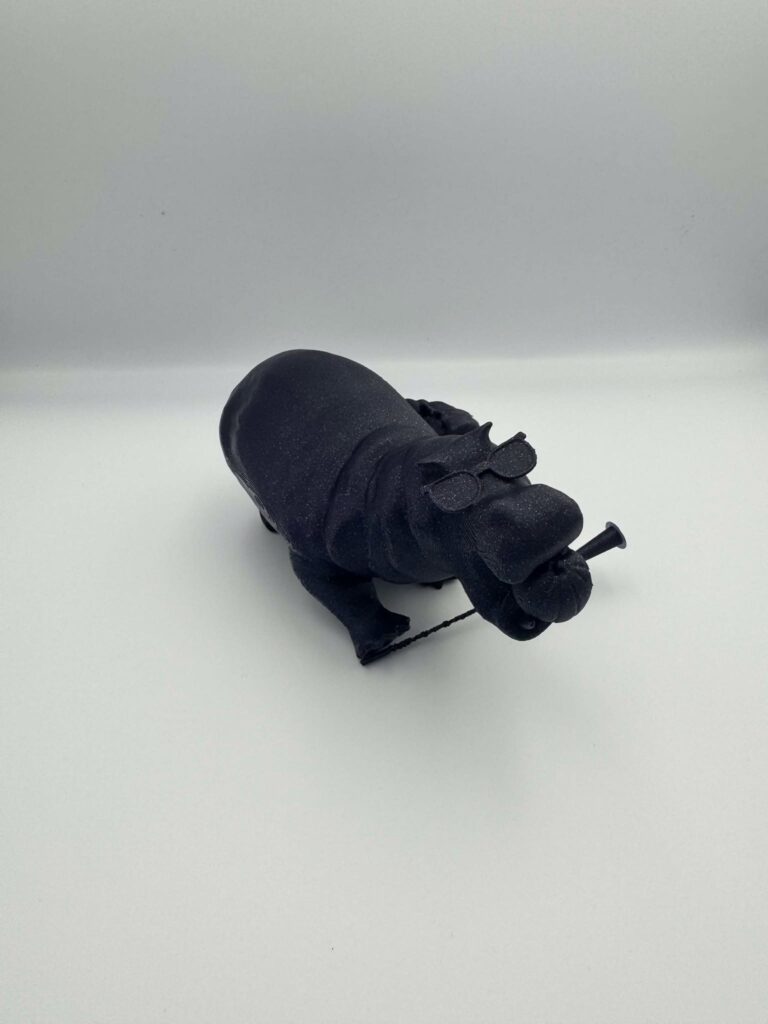
Desktop resin printers often use a screen or projector to cure whole layers of resin at once. They are popular for miniatures and detailed models because they can produce crisp surfaces at home.
The print quality can be excellent, but the process is more demanding than many beginners expect.
What desktop resin does well
- It is strong for small details and fine surfaces.
- It can be faster than laser-based SLA for some jobs because whole layers cure at once.
- It is popular for tabletop models, figures and detailed display pieces.
- It can produce smoother results than typical FDM printing.
Where desktop resin struggles
- Uncured resin must be treated carefully.
- Gloves, ventilation and proper cleanup are important.
- Washing and curing add extra steps.
- Failed prints can be harder to clean up.
- Supports and small defects may be harder to evaluate without sight.
I am not against resin printing. I just think people should understand the full workflow before buying one. The printer is only part of the setup.
SLS: strong parts from powder
SLS stands for selective laser sintering. It uses a laser to fuse powder into solid parts. The surrounding powder supports the model while it prints, so SLS can make complex shapes without the same support structures FDM and resin often need.
SLS is used for functional prototypes and durable parts. It is powerful, but it is usually not the first choice for a home beginner.
What SLS does well
- It can make strong functional parts.
- It handles complex geometry well.
- It does not need traditional support structures.
- It is useful for professional prototyping and small production runs.
Where SLS struggles
- Machines and services are expensive compared with FDM.
- Powder handling is not a casual home workflow.
- Surface finish can be grainy.
- Most makers will use SLS through a printing service rather than owning the machine.
What I choose most of the time
I choose FDM for most of my own work. It is affordable, understandable, strong enough for many uses and easier for me to manage as a blind maker. I can inspect the shape by touch, test fit, revise the OpenSCAD file and print again without dealing with liquid resin.
If I needed very fine miniatures or a smooth display piece, I would consider resin. If I needed a strong professional part with complex geometry, I would look at SLS through a service. For my everyday accessible design work, FDM is still the right fit.

Final thoughts
The best printing technology is the one that fits the object, the budget and the workflow. FDM is practical. SLA and desktop resin are detailed. SLS is strong and professional. None of them is the universal winner.
My advice is to decide what you want the finished object to do before choosing the process. If the object needs to be handled, tested, revised and used, the easiest workflow may matter more than the prettiest surface.
For me, 3D printing is not about chasing the most advanced process. It is about making useful things that can be understood, printed and improved.
Comments
Leave a comment